
In engineering development environments, “how to integrate AI into workflows” has become an important theme. One solution is Claude Code, an agentic coding support tool that enables AI utilization from the command line. While flexible and powerful, effective mastery requires certain techniques.
Anthropic’s published “Claude Code: Best practices for agentic coding” compiles insights their engineers have cultivated through practical use.
This article organizes best practices for utilizing Claude Code in daily development based on that official article. Please use it as reference when incorporating into your own projects.
You may also want to read
Claude Code Official Tips Collection: Practical Techniques to Boost Productivity
What is Claude Code?
First, let’s understand what kind of tool Claude Code is.
Claude Code is based on a “low-level, unopinionated” design philosophy, providing nearly raw model access. Its key feature is freedom from specific workflow constraints, enabling flexible scripting and automation.
-
Simple, low-level design: Usable without imposing unnecessary frameworks
-
High flexibility: Customizable to match each team’s development culture
-
Safety design: Dangerous operations always require permission
You may also want to read
What is Claude Code? A Complete Guide to Pricing, Features, and Security
Optimize Setup
The first step in utilizing Claude Code is proper environment configuration. “CLAUDE.md” and permission management are particularly essential.
Leverage CLAUDE.md File
Claude Code automatically references specific files and incorporates them into context. A prime example is “CLAUDE.md.” Organizing information here deepens Claude’s understanding and smooths interactions.
Content examples:
-
Frequently used bash commands
-
Coding standards and style guides
-
Test execution methods
-
Operational rules like branch naming conventions
-
Environment setup procedures and cautions
# Bash commands- npm run build: Build the project- npm run typecheck: Run the typechecker
# Code style- Use ES modules (import/export) syntax, not CommonJS (require)- Destructure imports when possible (eg. import { foo } from 'bar')
# Workflow- Be sure to typecheck when you're done making a series of code changes- Prefer running single tests, and not the whole test suite, for performance
Project root is recommended for location, but placing in ~/.claude/ enables use across all sessions.
Adjust Tool Usage Permissions
Initial state restricts Claude Code’s possible operations. This is a safety-conscious specification. Pre-approving frequently used operations (e.g., file editing, git commit) via /permissions or --allowedTools options improves efficiency.
Give Claude Tools
While Claude Code is useful standalone, it reaches full potential when integrated with environment tools and external services. Just as human engineers leverage “handy tools at hand,” giving Claude tools significantly changes work efficiency.
Integrate with Bash Tools
Claude inherits the shell environment, so existing bash commands and utilities can be used directly.
-
Claude understands basic commands like
lsandgrep. -
For custom team scripts, clearly documenting usage in
CLAUDE.mdimproves recognition. -
For example, registering “log analysis scripts” or “deployment scripts” enables Claude to autonomously invoke them.
Extend with MCP
Claude Code can operate as both MCP (Model Context Protocol) server and client. This facilitates external tool invocation, dramatically expanding capabilities.
- Browser Operations
Register Puppeteer server for UI testing and screenshot capture
- Monitoring Tool Integration
Use Sentry server for automated error log analysis
- Team Sharing
Checking .mcp.json into version control enables everyone to use the same tool suite via Claude
Custom Slash Commands
Registering recurring tasks as slash commands is convenient.
Saving in .claude/commands in Markdown format enables team-wide shortcut usage.
Usage examples:
-
Automate “investigate → fix → PR creation” from GitHub issue number input alone
-
Invoke log analysis routines with one command
-
Progress through large-scale code modifications via checklist format
Example: Define command automating GitHub issue fix flow.
Please analyze and fix the GitHub issue: $ARGUMENTS.
Follow these steps:1. Use gh issue view to get the issue details2. Understand the problem described in the issue3. Search the codebase for relevant files4. Implement the necessary changes to fix the issue5. Write and run tests to verify the fix6. Ensure code passes linting and type checking7. Create a descriptive commit message8. Push and create a PR
Remember to use the GitHub CLI (gh) for all GitHub-related tasks.
The point is “rather than Claude thinking from scratch every time, template determined flows beforehand.” This greatly improves consistency and speed.
Successful Workflows
Claude Code has high freedom, so usage methods vary individually, but several particularly effective workflows exist.
- Explore → Plan → Implement → Commit
First investigate and plan, solidifying direction before proceeding to implementation increases stability.
- Combination with Test-Driven Development (TDD)
Having Claude write tests before implementation ensures quality.
- Iterative Improvement with Screenshots
Iteratively improving while comparing against UI designs and mocks increases completion quality.
- Safe YOLO Mode
Method skipping permission confirmation for batch processing. Recommended in safe environments like Docker.
- Codebase Q&A
When joining new projects, simply asking “How does logging work?” enables investigation.
- Automating Git and GitHub Operations
Delegate commit message creation, PR corrections, history investigation to Claude.
Tips for Maximizing Effectiveness
Mastering Claude Code effectively comes from small refinements making big differences.
- Issue Specific Instructions
Rather than “add tests,” communicate “add test case for logout to foo.py”
| Poor | Good |
|---|---|
| Add tests to foo.py | Add a new test case to foo.py covering edge cases when users are logged out. Do not use mocks |
| Why is ExecutionFactory’s API so strange? | Check ExecutionFactory’s Git history and summarize how its API evolved to this form |
| Add a calendar widget | Review existing widgets implemented on the homepage, understanding patterns and code-interface separation methods. HotDogWidget.php is a good reference example. Then implement a new calendar widget following that pattern, allowing users to select months, paginate back and forth, and choose years. Build from scratch using only what’s used in the existing codebase, no other libraries. |
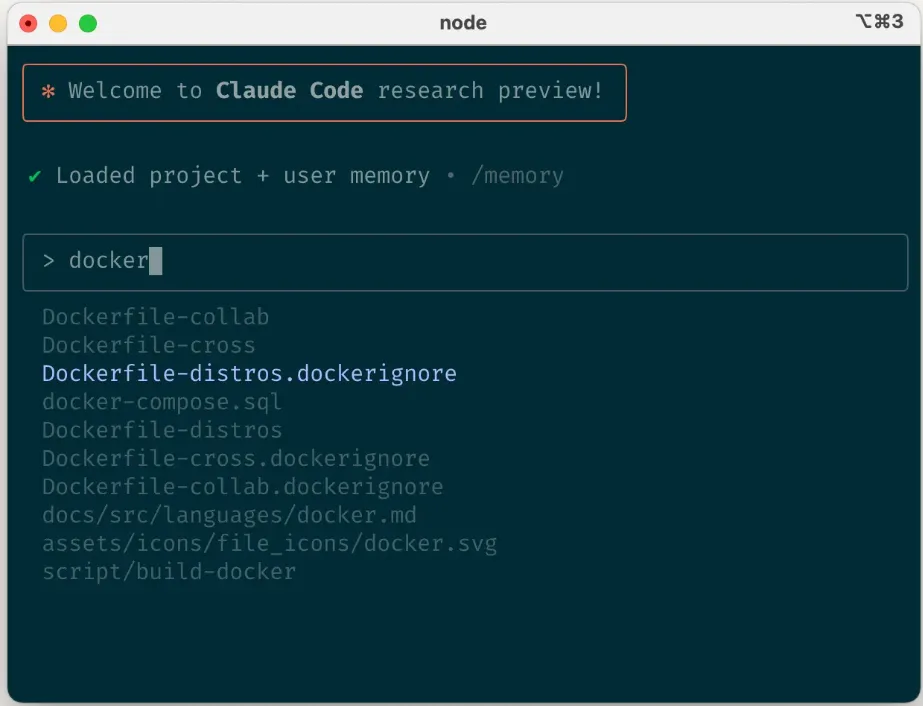
- Pass Images or URLs
Sharing design mocks or documentation directly improves accuracy
Source: https://www.anthropic.com/engineering/claude-code-best-practices
- Issue Correction Instructions Early
Direction changes at planning stage are efficient
- /clear for Context Organization
Utilize resets for long sessions
- Leverage Checklists and Scratchpad
Managing large task progress in Markdown increases accuracy
Automation and Multi-Claude Utilization
Claude Code also excels in automation and parallel usage.
- Headless Mode
Available for CI/CD, linting, automatic GitHub issue labeling, etc.
- Parallel Multi-Claude Usage
Division of roles possible, such as one writing code while another reviews
- git worktree Utilization
Convenient when progressing multiple branches simultaneously
Summary
Claude Code is “developers’ new partner” enabling AI utilization from command line.
Anthropic’s official best practices reveal three key axes:
-
Environment Preparation – Give Claude “correct premises” via CLAUDE.md and permission settings
-
Provide Tools – Strengthen Claude through bash tools, MCP, slash commands
-
Workflow Design – Specify flows like investigate, plan, implement, review to leverage Claude
With these considerations, you can support not just code assistance but entire development processes with AI. First try organizing CLAUDE.md and registering frequently used scripts. Small improvements eventually lead to major development efficiency gains.